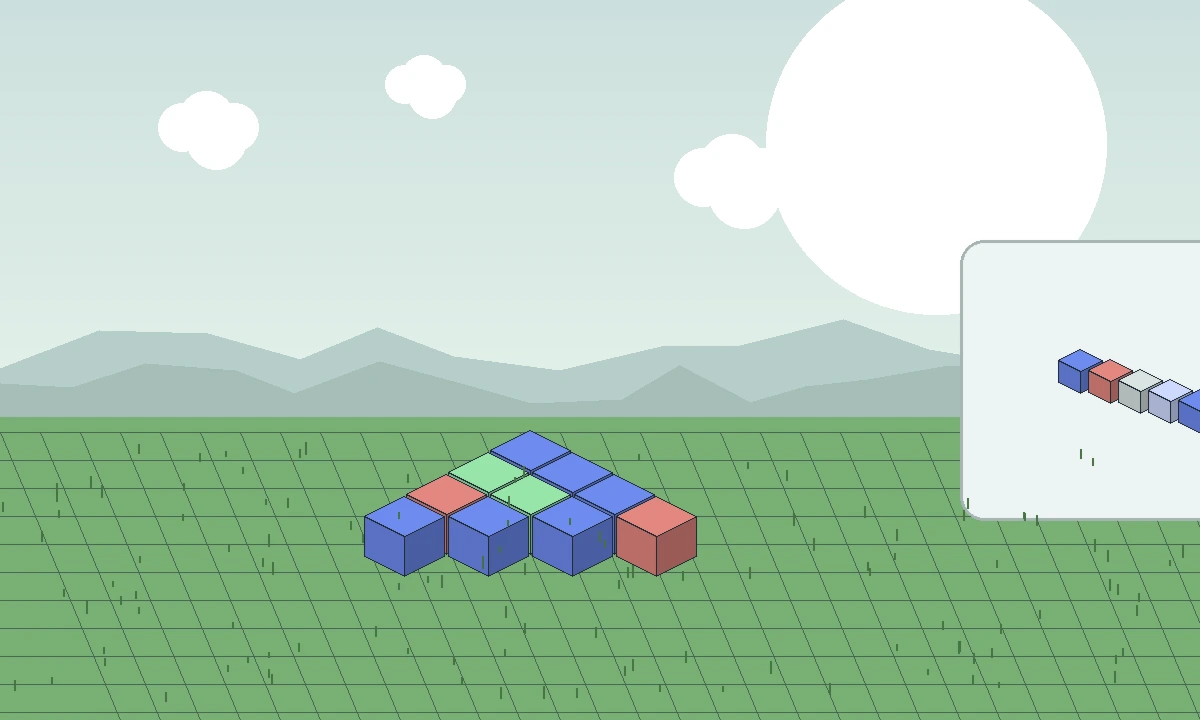
The name “Effortless Building” appears in both Java-focused searches and Bedrock add-on searches, but those formats are not interchangeable. The original mod ecosystem uses Java Edition loaders, while Bedrock and Minecraft PE use add-on packages designed for the Bedrock engine.
Java mod files do not install into Bedrock
Minecraft Java mods are built for mod loaders such as Fabric, Forge or NeoForge. Minecraft PE and modern Bedrock Edition use a different add-on system.
Copying a Java mod or source archive into a Bedrock device does not convert it into an add-on. Use a package created specifically for Bedrock.
Bedrock versions can have similar building ideas
Separate Bedrock add-ons can provide multi-block placement, geometric shapes and other building helpers inspired by Java tools. Similar features do not make the packages technically compatible.
Check who publishes the add-on, its supported Bedrock version and its required experimental or world settings before importing it.
Minecraft PE is now part of the Bedrock family
The “Minecraft PE” phrase is still common in searches, especially on Android, but the modern mobile game is Bedrock Edition. That means Bedrock add-on compatibility is the relevant standard for a normal mobile install.
Do not follow desktop Java loader instructions for the standard mobile app.
What this website downloads
The main download button on this website uses the exact archive URL supplied for this project, which points to a 1.20-alternative source branch associated with the Java project.
Because that is not a Bedrock package, PE/Bedrock visitors should not use it as a mobile add-on installer.
A safe Bedrock checklist
Confirm the add-on explicitly supports your Bedrock version, back up the world, import the add-on through the normal Bedrock workflow, and enable only the world options the add-on documentation requires.
If the add-on stops working after a game update, test it in a copied world before changing your primary save.
Related guides
Continue with a guide that matches the next decision in your setup: